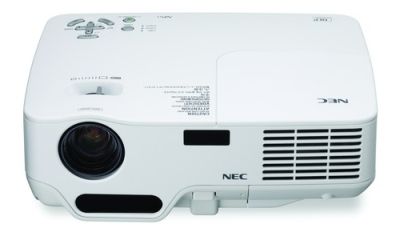
 The main factor when anyone is looking at buying a projector is how much will it cost. This price range of a projector really reflects on the quality of the projector you will be getting. For anyone looking for a barebones home theater projector you will see a cost generally around $500 to $1000. This is a huge improvement from just 5 years ago when projectors starting price were around $2000. As projectors become more mainstream the prices have dropped dramatically. It is no longer a luxury item that is only affordable to the super rich and businesses, but now is a mainstream item that you can now buy a projector at almost any electronic store.
If you take a quick look over to Amazon.com you will see a long list of projectors that cost around $500. In fact 9 out of the top 10 projectors cost around $500! This is what confuses a lot of people when they are buying a projector. They often see deals like these and wonder why I should spend more on a projector when I can buy one for $500. Well for one thing a $500 projector is not really meant to be used as a home theater projector to display movies and definitely not blue ray. Almost all of these projectors have a native resolution of 800x600 for presentations. The entire projector is made for businesses to use for slide shows, not to play movies. So yes you can buy a $500 projector, but will you be happy, probably not.
The next main price range for a projector is usually around $700 to $1200. This is where you get into the really nice 720p (1280x720) projectors. They are actually designed to be used as a home theater projector. With this price you will see a lot nicer specs on the contrast ratio, lumen output, etc. The big improvement though is you now have an HD projector that can play movies at their native resolution of 1280 x 720. You will be amazed at how nice it is to see a movie on such a large screen and it look so good. These projectors will be able to run everything very smoothly from HD television, to watching DVD’s, and they are even a pretty good blu ray projector.
For a top of the line projector expect to spend $1200+. These are when you truly get to see the almighty power of a home theater projector. You will be watching a movie with your jaw dropped because of the true beauty of the picture being displayed. At this price range lighting and screen size will almost never be an issue because of the high lumen output. You will also notice a cleaner, darker, and crisper image that matches the quality of many high definition televisions. The main difference though is you will be able to play movies at 1080p. The fact is 1080p is not all it is cut out to be in home theater projectors. The true difference with 1080p is when it comes to watching blu ray movies. Blu ray is the only thing that truly broadcasts at 1080p. Make sure to check out our article to hear more about 720p vs 1080p. So if money is not an issue and you want the best image then this is your price range.
The last thing to remember when buying a projector is there is other expenses you need to consider. For one thing a projector uses a projector lamp that does not last as long as your average tv. An average projector lamp lasts around 2000 hours and costs around $400. Now this 2000 hours is when you almost have to replace it because its lumen output will become worse and worse as time goes on.
Another thing you need to consider is a projector screen. Yes you can just use a wall to project your image on, but if you want a better image you should really consider buying a projector screen. For more information check out post: what to look for in a projector screen.
I hope this helped feel free to leave a comment if you have any more questions.

 Mitsubishi has just unveiled a new high quality micro projector called the XD95U. Even though it might not be the lightest and smallest projector out does not mean it is not small. Weighing in at only 3.3 pounds and measuring 7.5 by 8.1 inches the XD95U Micro Projector is a small and very portable projector. It will certainly become a must have for business meetings because it comes with an impressive 2200 ANSI lumens. With such a high lumen output the XD95U allows users to present in almost any lighting situation. It is also has an instant shut-down feature that allows the user to make a quick exit without chancing damage to the projectors bulb.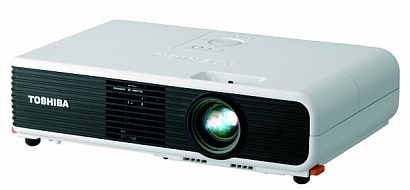
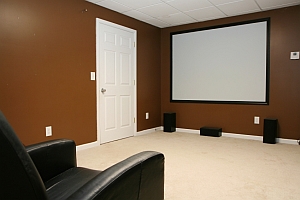 As of right now, 1080p is all the rage for any type of home theater entertainment system. Whether its a 1080p projector or a 1080p Plasma TV, they are selling like hotcakes due to their ability to provide the best video processing method on the market as well as some of the best pictures. Despite all the hype and enthusiasm surrounding the 1080p format, many users are finding that 720p is still the way to go.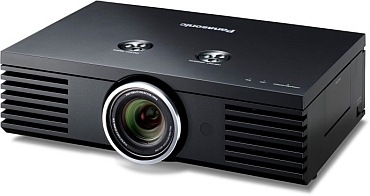
 Mitsubishi Digital Electonics will release the high-brightness 1080p resolution FL6900U projector this month. It will be priced at $9,995, and is the ultimate in commercial projectors. Featuring a built-in anti-theft alarm, this projector is designed for public settings with high ambient lighting.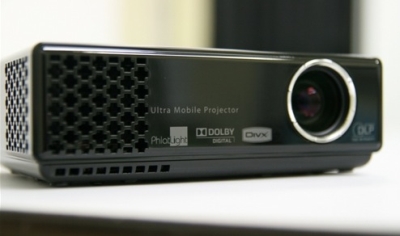

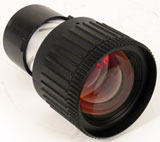 A long throw lens is a special type of lens that allows a projector to be placed farther back without stretching out the screen as far as a normal lens would. Long throw lenses are usually external lenses that are mounted on in front of the normal lens, like a pair of glasses. Some projectors will come stock with a long throw lens, but this is very rare and are often from name brands you cannot trust. Typically you can find a long throw lens from any where from $1000 for a very cheap one to all the way up to $5000 for a high quality lens for very long distances.
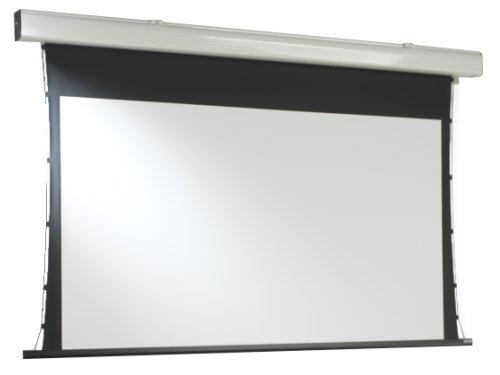 As projectors grow in popularity for home theater use, many people are deciding to get their money's worth and are completing the home theater package by buying projector screens. But just like projectors, projector screens vary from model to model and some of these differences shouldn't be ignored.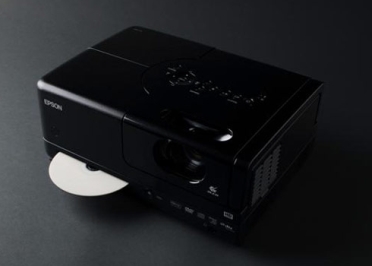
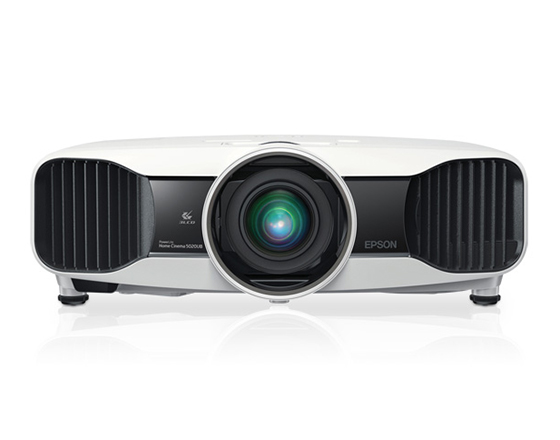 A question that is asked over and over when it comes to projectors is how many lumens do I need? Well to answer this question we might want to start out by talking about what are lumens. Lumens is quite simply the measure of light output of projectors. Today’s projectors usually range in the number of lumens from around 1,000 to up to 10,000 Lumens. Another key item to remember when looking at the number of lumens is make sure measurement is in ANSI lumens. ANSI Lumens is a standard use of Lumen Measurement that was established by the American Nation Standards Institute. Some projector companies will try to make their numbers seem higher than they actually are using different methods to measure their lumens.
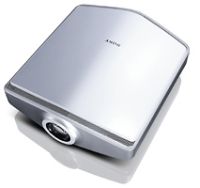 People have been playing video games on computers since before consoles where even invented. Today PC's are the top choice for gaming enthusiasts and casual players alike. However, those who are looking for the best possible gaming experience are turning to projectors for high definition, high resolution, immersive displays for their personal computers. For those of you wanting to purchase a projector and get the most out of your gaming experience, here are a few things to consider when looking at all the different projectors.